Hotel Lobby AI video
Orange-booth duet
Bring you and a friend into one rap performance — two separate photos, one vertical video. No filming, no editing app. From $6.99 a clip.
9:16 vertical | 5–15 seconds | From $6.99
1Add two photos
1 · Person 1
A clear photo of your first performer
2 · Person 2
A clear photo of your second performer
2Stage
Two people, one orange booth, a shared performance.
3Pick quality & length
Kling O3 Standard / Pro support up to 15s; O1 up to 10s. 720p is a quality tier label, not a resolution guarantee: fal exposes no resolution control. All clips are silent.
10 credits
12s · selected model and aspect · charged at start; refunded on failure
Two photos → one rap video
Sample ClipTools output · 9:16 · 12s · silent MP4 · no watermark
The scene comes from Quavo and Takeoff's 2022 performance of "Hotel Lobby" on A COLORS SHOW — two rappers, one solid orange backdrop, a single fixed camera. In September 2026 the clip came back as an AI video trend: people replaced the two performers with their own faces. The pair format gives the scene its rhythm: one performer leads while the other answers, reacts and shares the frame. Two photos let you cast both roles and give the finished clip a familiar friendship dynamic. Takeoff died in November 2022; for many viewers the original performance also carries the weight of a tribute. Keep that history in mind when choosing a caption and the tone of your version.
Quavo & Takeoff — HOTEL LOBBY | A COLORS SHOW · Hotel Lobby trend history
The simple staging makes every small movement readable. Watch how the performers share space before choosing the two portraits for your version.
The original gives each performer a distinct place in the frame. One carries a line while the other supplies a response, a gesture or a glance. Pick a first photo for the lead slot and a second for the answering presence. Faces that are clear and similarly sized help the pair read as one scene.
A solid orange wall keeps attention on faces, clothing and gestures. The fixed camera makes the partnership easy to follow on a phone screen. It also makes the setting instantly recognisable even during a quick scroll. For the dedicated trend guide, explore the same orange-booth scene.
The performance is set to "Hotel Lobby" by Quavo and Takeoff. Its exchanges give the two-person format a natural back-and-forth feel. Watch the original performance to hear where one part hands over to the other. When posting your version, select a suitable excerpt in the social app and align its opening beat with the start of your clip.
Each photo supplies a separate identity for the shared scene. That lets you bring together friends who live in different cities or pictures taken years apart. Uploading one clear person per slot keeps the casting straightforward. Think of the photos as choosing your duo; the generated motion is what brings them onto the same stage.
Use the studio above to choose your pair and settings, then follow the finished clip through to posting. You can complete the workflow in your mobile browser.
Choose one well-lit portrait for Person 1 and another for Person 2. Keep the face visible, with enough space around the head and shoulders for a natural crop. Photos from different cameras are fine; similar lighting makes it easier to imagine the finished pair. Check both slots before continuing so the people appear in your intended order.
A 12-second Standard clip uses 10 credits. The studio also shows 5- and 15-second options alongside the other available durations, with supported choices determined by the selected quality. A shorter clip works well for a quick reaction; a longer one gives the pair more room to perform. Review the settings and the credit total together before you confirm.
Download the finished silent MP4, then open TikTok, Instagram Reels or YouTube Shorts. Add the clip to a new post and choose your track in that platform's music picker. Trim the sound to the moment you want and watch the whole preview once. This last step puts the music, caption and generated picture together in the app where your audience will see it.
Your AI rap video brings two portraits into one shared performance scene. The player below shows sample ClipTools output, a duo example to help you judge framing and movement. The sample is 9:16, 12 seconds, a silent MP4, with no watermark. Use playback controls to check the faces and the space between the performers before deciding how to caption your own clip.
This example shows the shared-frame format using an existing ClipTools duo output. Watch the movement as well as the first frame: the appeal comes from two people occupying the same small stage. The three stills below show other existing duo outputs for a quick look at the visual style. Your own pair and settings shape the result you download.
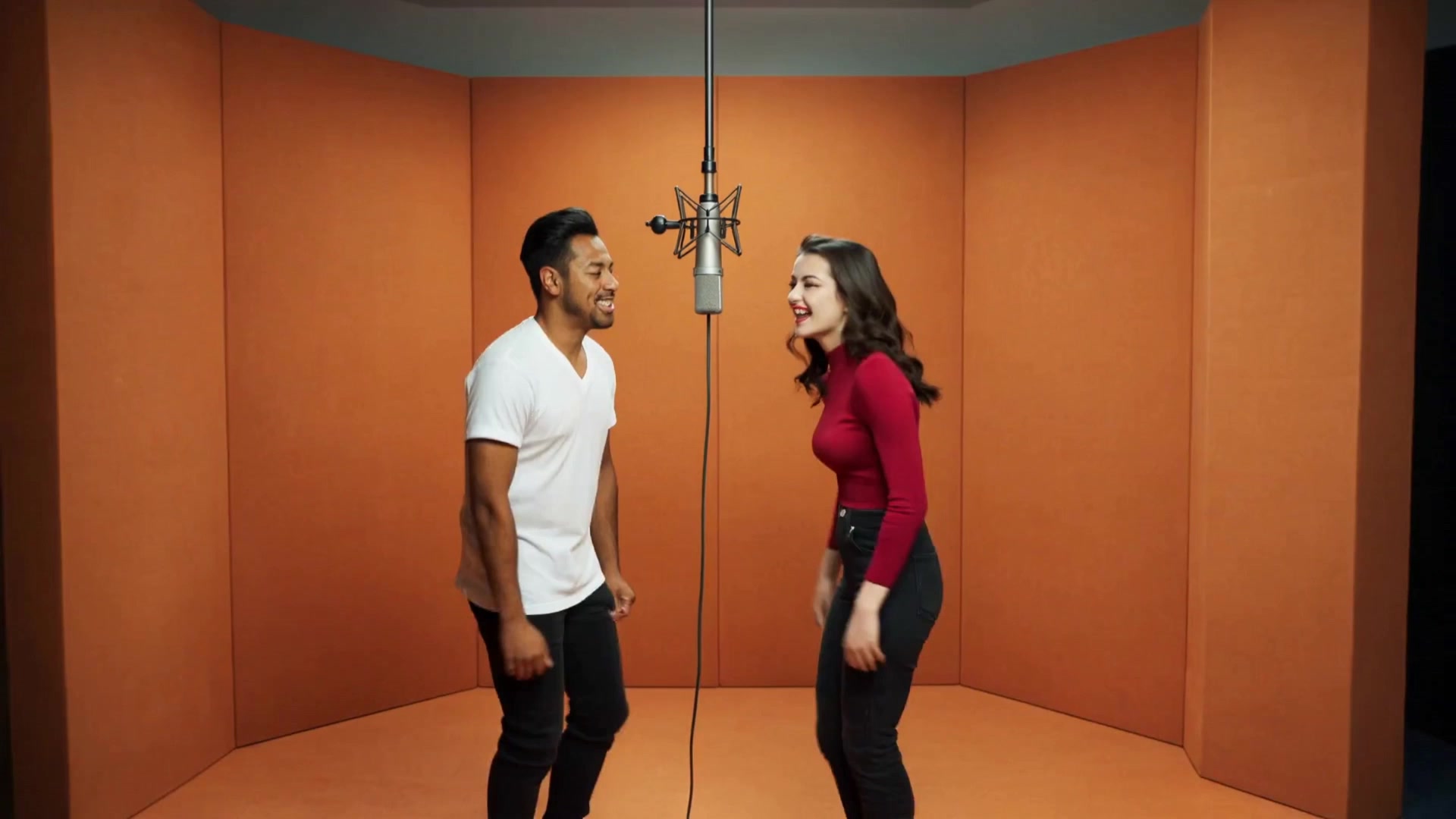
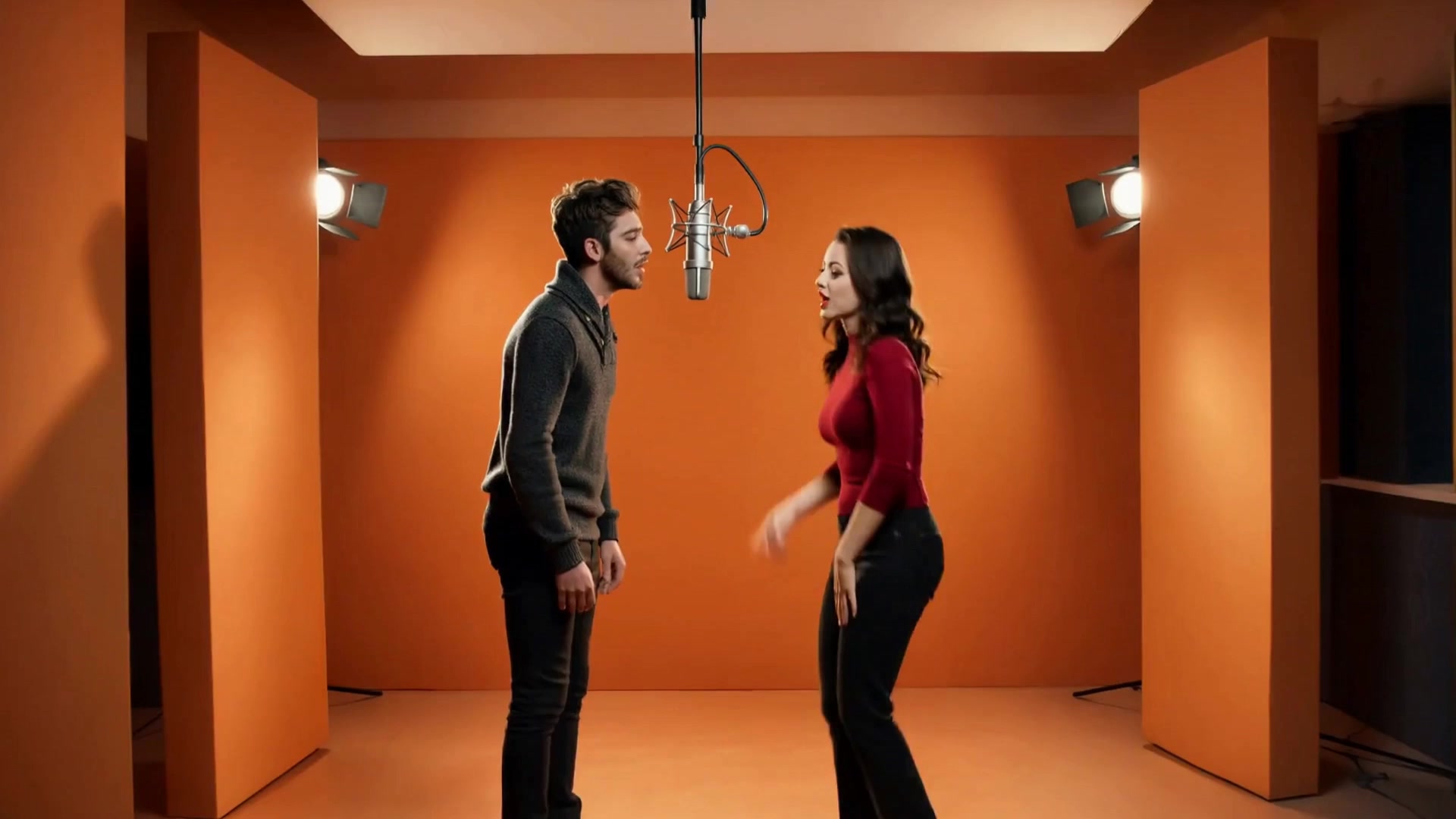
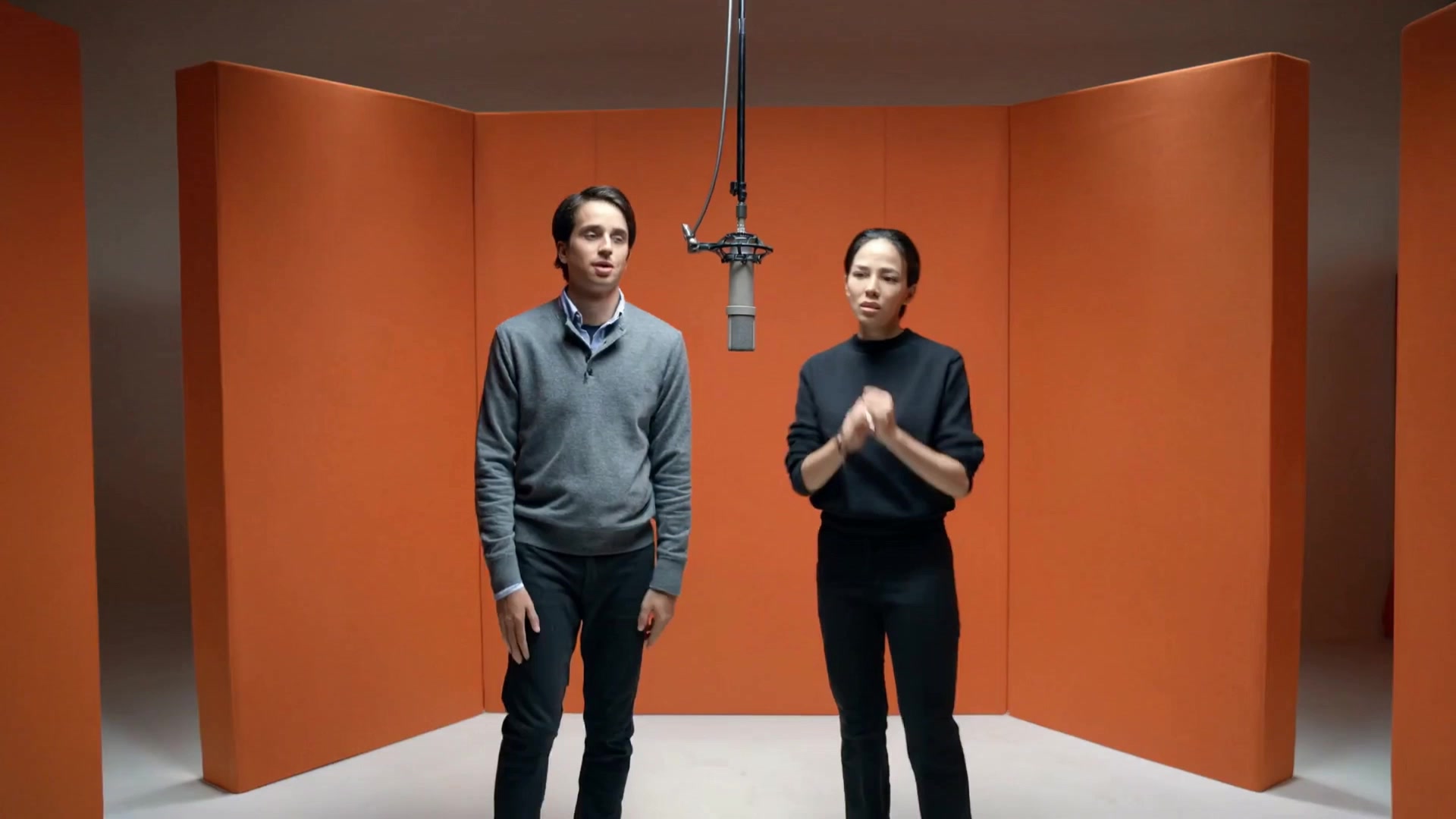
Choose a pair whose connection your audience will recognise. A familiar duo often makes a short performance funnier than an elaborate setup.
Cast the friend who always starts the joke beside the friend who always finishes it, then send the clip to your group chat.
Pair two favourite portraits for an anniversary post with a little more personality than a side-by-side photo collage.
Bring your work partner or teammate into the booth for a shared win, a project wrap-up or a friendly team introduction.
Make the birthday person the lead and a close friend the second performer, then add the birthday message in your posting app.
A 12-second Standard video uses 10 credits, equal to $6.99. Choose your length and quality in the studio and review the displayed credit cost before confirming generation. Credits are refunded if generation fails. Start with one pair, inspect the finished movement and framing, then decide whether you want a different cast or a longer version. The pricing page explains the available credit packs so you can plan several clips for a birthday or a group post.
AI duet video pricingIt is a two-person performance format inspired by Quavo and Takeoff's "Hotel Lobby" COLORS appearance. Creators cast a new pair into a simple studio scene using two photos, then add music when sharing the result. The recognisable orange setting and the relationship between the two people make a short clip easy to understand, even for someone meeting the format for the first time.
Upload a clear photo for each person in the studio at the top of this page. Choose the supported length and quality you want, review the credit total and confirm generation. When the video is ready, download the MP4 and bring it into your favourite posting app. Add a track, check the timing and write a caption that introduces your duo.
Two still photos are enough to start. Each image gives the studio a face to work with, and the generation creates the shared scene and motion. Choose portraits with visible features and comfortable framing around the head and shoulders. That makes this a practical option when your friend is somewhere else or you want to use pictures you already have.
For the familiar trend feel, look for "Hotel Lobby" by Quavo and Takeoff in your posting app's music library. You can also choose a beat that suits your pair or the occasion. Listen for a short section with a clear opening and enough space for the two-person exchange. Preview the combined sound and picture before publishing so the timing feels intentional.
ClipTools does the picture: it turns your two photos into the visual performance. You add lyrics, vocals or a music track when you post, using the social app's sound and text tools or your own recording. The download is a silent MP4, ready for that step. This gives you control over the song excerpt, caption and voice that suit your particular duo.
Yes. The two slots are designed for separate photos, so the people can be in different places and the pictures can come from different dates. Aim for similarly clear faces and compatible framing rather than matching backgrounds. A recent portrait of you and an older favourite of your friend can still make a useful pair if both faces are easy to see.
Use a well-lit photo with one obvious main person and a clearly visible face. A front-facing or gently turned portrait is an easy starting point. Leave some space around the head and shoulders, and choose a second image with comparable clarity. If you are deciding between several pictures, pick the one where the person's features are easiest to recognise at phone-screen size.
A 12-second Standard clip costs 10 credits, equal to $6.99. Other supported settings show their credit cost in the studio before confirmation. Generation time varies with the selected settings, the queue and provider availability, so follow the progress shown on screen rather than planning around a fixed wait. Credits are refunded if generation fails, and the pricing page lists the available packs.
Yes. Download the finished MP4 and upload it to TikTok, Instagram Reels or YouTube Shorts as a new post. The vertical 9:16 format suits a full-height phone feed. Add your sound in the posting app, choose a cover frame and keep captions clear of the faces. Watch the platform preview once to check its crop and the position of any text you add.
Yes, the scene and motion are AI-generated from the photos you provide. Use photos you have permission to use, respect the people depicted and label realistic AI content according to the platform's current rules. Avoid presenting a generated performance as real footage or as an artist endorsement. ClipTools is an independent creative tool, unaffiliated with the performers or A COLORS SHOW.
Explore another scene or find practical guides for your next two-photo video.
Orange-booth duet
Photo duet music vibe